




My J App
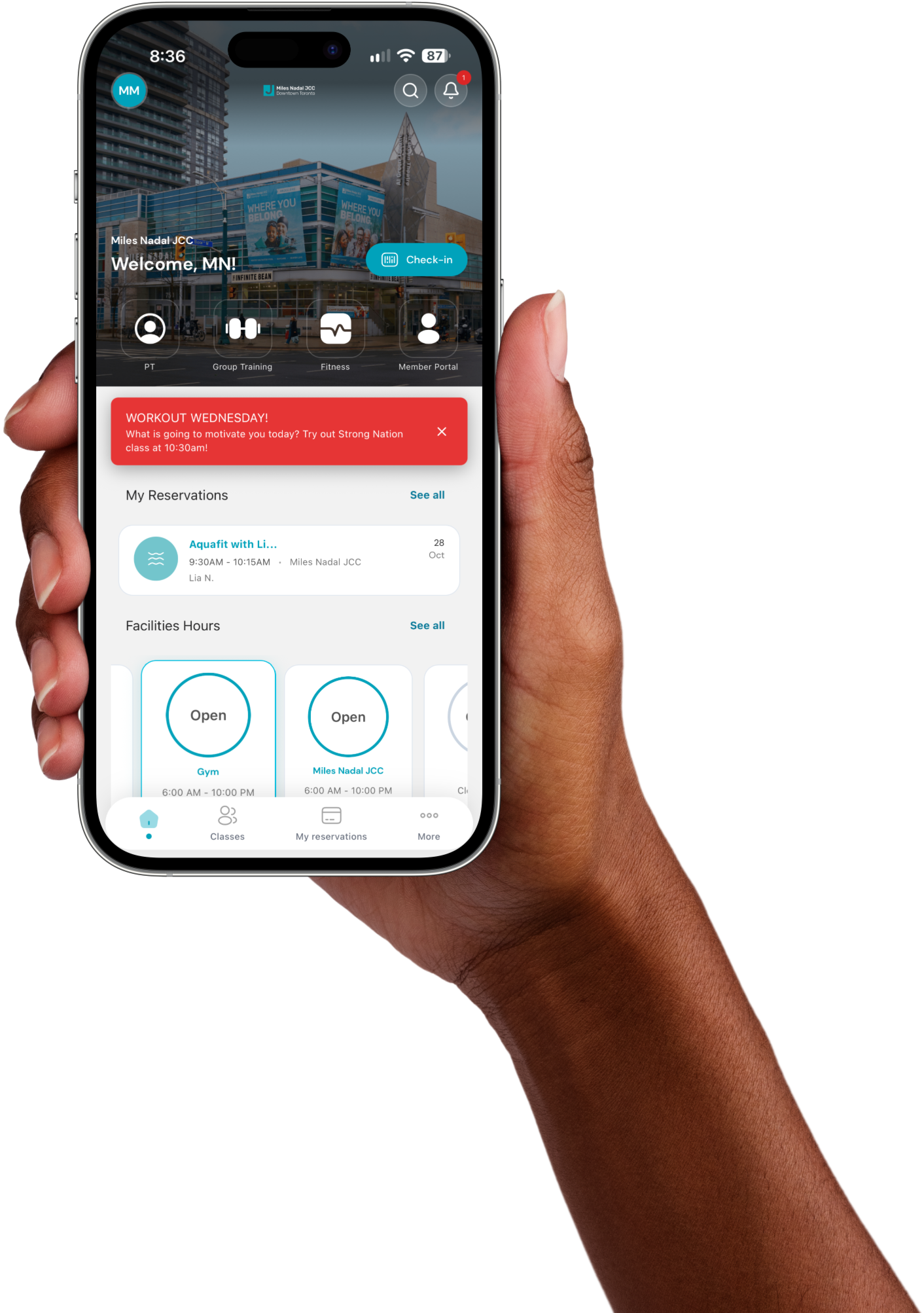
Book classes, check our hours and get into the building with a tap. The new My J app puts your MNjcc membership right in your pocket.


Book these in the app:
Your membership, all in one app
Reserve classes
Browse the group exercise schedule, save your spot and cancel if plans change. You can reserve limited equipment too.
Check hours and crowds
See when your favourite spaces are open and how busy The J is before you head over.
Check in with your phone
Scan the barcode in the app at the Front Desk. No key card needed.
Get alerts
Hear right away about class cancellations, facility closures and news from The J.
Set up in four steps
- 1
Download My J from the App Store or Google Play.
- 2
Tap First time login and enter the email address on your MNjcc membership, then tap Send PIN.
- 3
Check your email for your PIN, enter it and create your password.
- 4
You're in. Book a class, check our hours and explore.
Registering for a program?
Use the MNjcc Community Portal to sign up for programs like camp, swim lessons and music, and to manage your account online.
Need a hand? Visit the Front Desk or call 416.924.6211. Want to see what's on today? View today's classes.